WhatsApp + HubSpot
WhatsApp connected to HubSpot, with an AI agent that reads your CRM
Ciarem connects your WhatsApp number to your HubSpot portal. Contacts sync both ways, every conversation on WhatsApp, Instagram, Messenger or web chat lands on the timeline with a summary, and your team sends templates from the contact record or from a workflow. The AI agent answers with CRM properties, and you check it before launch.
- No credit card. Cancel anytime.
Your team sells on WhatsApp and HubSpot never hears about it
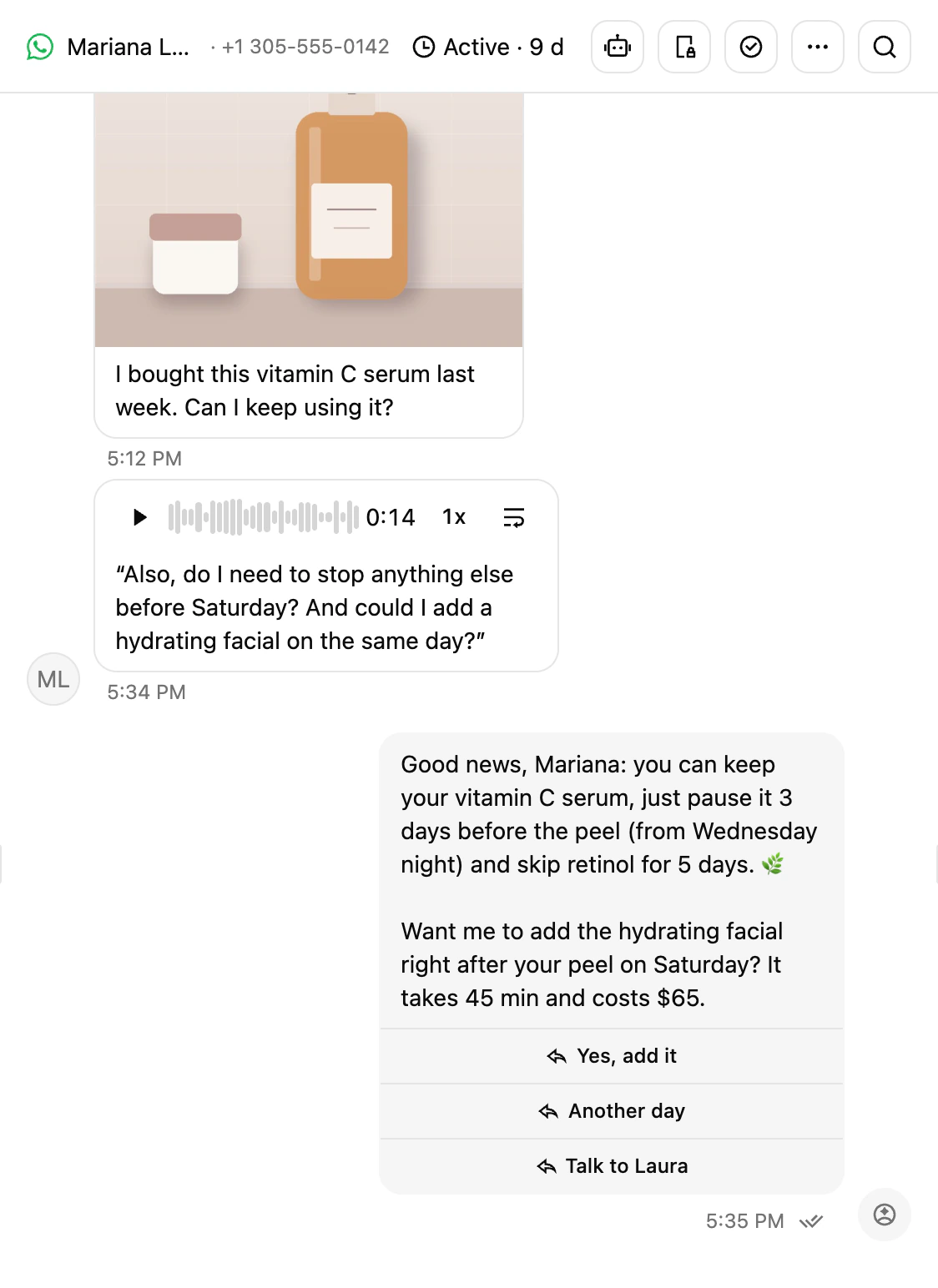
The conversations happen on each rep's phone. In HubSpot the contact sits in the same stage, with no record of what was said, and workflows cannot message anyone on WhatsApp. When someone asks what happened with a lead, the answer is in a chat nobody else can see. With Ciarem, WhatsApp lives inside HubSpot: the contact, the conversation, the stage and every send.
The agent answers from your CRM, and you check it before launch
Ciarem's AI agent answers on WhatsApp with the contact properties that come from HubSpot, knows which stage each person is in and, if you allow it, writes back what it learns. Before you leave it alone with real customers you check how it answers the questions your business receives, and after launch you keep watching it. Every send is attributed to the person who made it.
How it works
- 01
Connect your portal
Authorize HubSpot from Settings, Integrations, in a few minutes and without code. Import filters decide which contacts sync: every contactable one, or only those matching the conditions you set.
- 02
Map properties and stages
Choose which HubSpot properties reach Ciarem for use in templates and in the AI's answers. Read-only by default, or read and write so changes made by the AI and your team flow back to HubSpot. Your funnel comes from the property you already use: lifecycle stage, lead status or any dropdown.
- 03
Send and log from HubSpot
Every conversation is logged on the contact's timeline with a summary. From the record in HubSpot you send a WhatsApp template to that person, or to everyone on a company or a deal. From a workflow you send templates automatically, and broadcasts target your HubSpot lists.
What the integration includes
Two-way contact sync
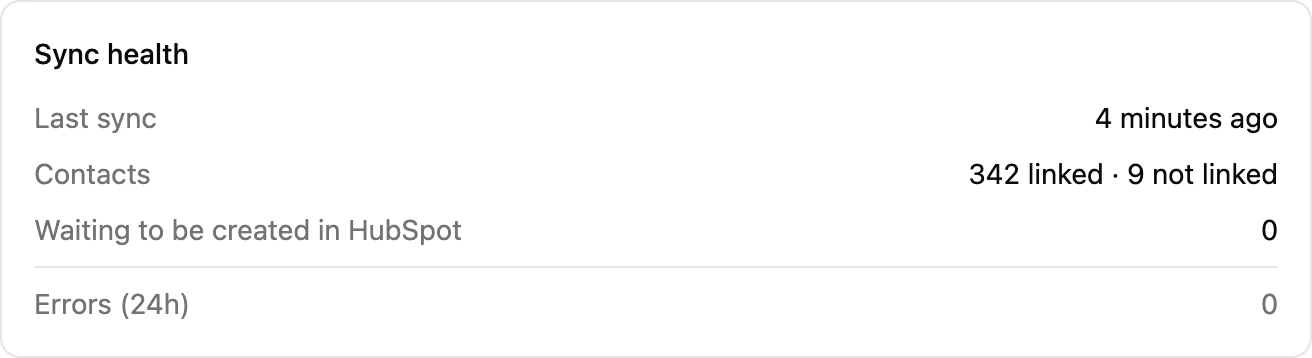
Contacts stay current between HubSpot and Ciarem. A new lead from WhatsApp, Instagram, Messenger or web chat reaches HubSpot with a name or email as soon as the AI or your team captures one, and the contact owner travels too.
HubSpotConversations on the timeline
Every conversation leaves events on the HubSpot timeline: when it opens, when a template is sent and when it is resolved, with a summary written by the AI. This covers every Ciarem channel: WhatsApp, Instagram, Messenger and your website chat.
Properties in templates and in the AI
Use any HubSpot property in your WhatsApp templates and in the agent's answers. Read-only by default, read and write if you want changes to flow back to the CRM.
AI agentsTemplates from workflows
A HubSpot workflow sends an approved WhatsApp template when the condition you set is met, without anyone having to remember.
Broadcasts to HubSpot lists
Ciarem broadcasts target your HubSpot lists, and every send is logged on each contact's timeline.
WhatsApp broadcastsYour funnel is HubSpot's
Funnel stages in Ciarem come from the HubSpot property you choose, with a description per stage so the AI understands where each contact is.
Funnel stagesCommon questions
Related features
- HubSpotChats, stages and tasks synced with HubSpot, both ways
- WhatsApp broadcastsTemplate campaigns to a segment, tracked per contact
- Funnel stagesYour stages, a drag-and-drop board, and the AI moving leads
- AI agentsSix agent types that answer, sell and book for you
- WhatsApp Business APIYour official WhatsApp line: inbox, AI, templates, calls and forms
- All integrationsHubSpot, calendars, Meta ads, ChatGPT, Claude and the API
Keep reading
Connect WhatsApp to HubSpot and test the agent with your own contacts before launch.
- No credit card. Cancel anytime.